DEADCA7 Backups
DJing is the art of playing the right track at the right time and place. When you’re locked into the right tracks, it’s pure joy.
But every DJ knows the other feeling of mild panic when things aren’t working. A drive is lost, left at a friend’s place, or fails to load in the new booth; a track isn’t on the current drive, so we frantically plug in old drives to try to find it.
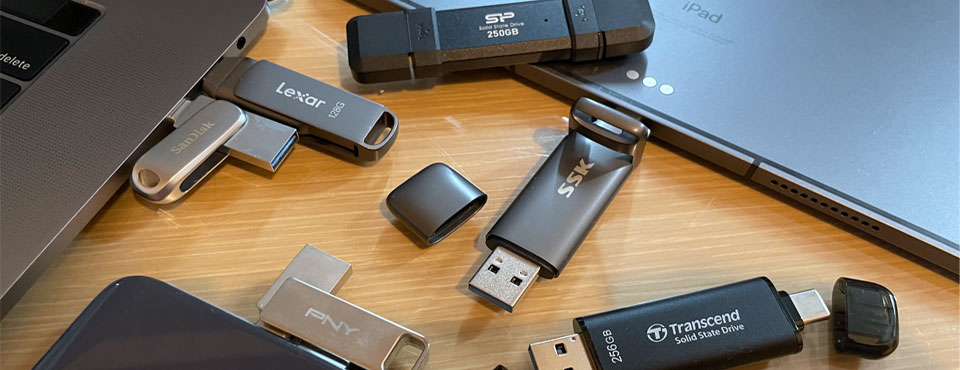
After more than a decade of DJing, I have at least 8 USB drives and SD cards with music. Each one is very valuable, representing so much time and energy spent sorting and collecting music from eras and music providers and laptops that no longer exist. These physical drives are precious; if anything were to happen to them, they would be impossible to replace.
So why do I only have one copy of them, toss them around in my gig bag, and leave them floating around booths?
With DEADCA7, I now have peace of mind that all these drives are backed up and I can recreate them if something happens to them.
Backups for DJs
The new DEADCA7 CLI offers a single command – dc backup "/Volumes/DJ USB" --apply – to save a library snapshot and its audio to cloud storage. Without --apply, it previews the backup.
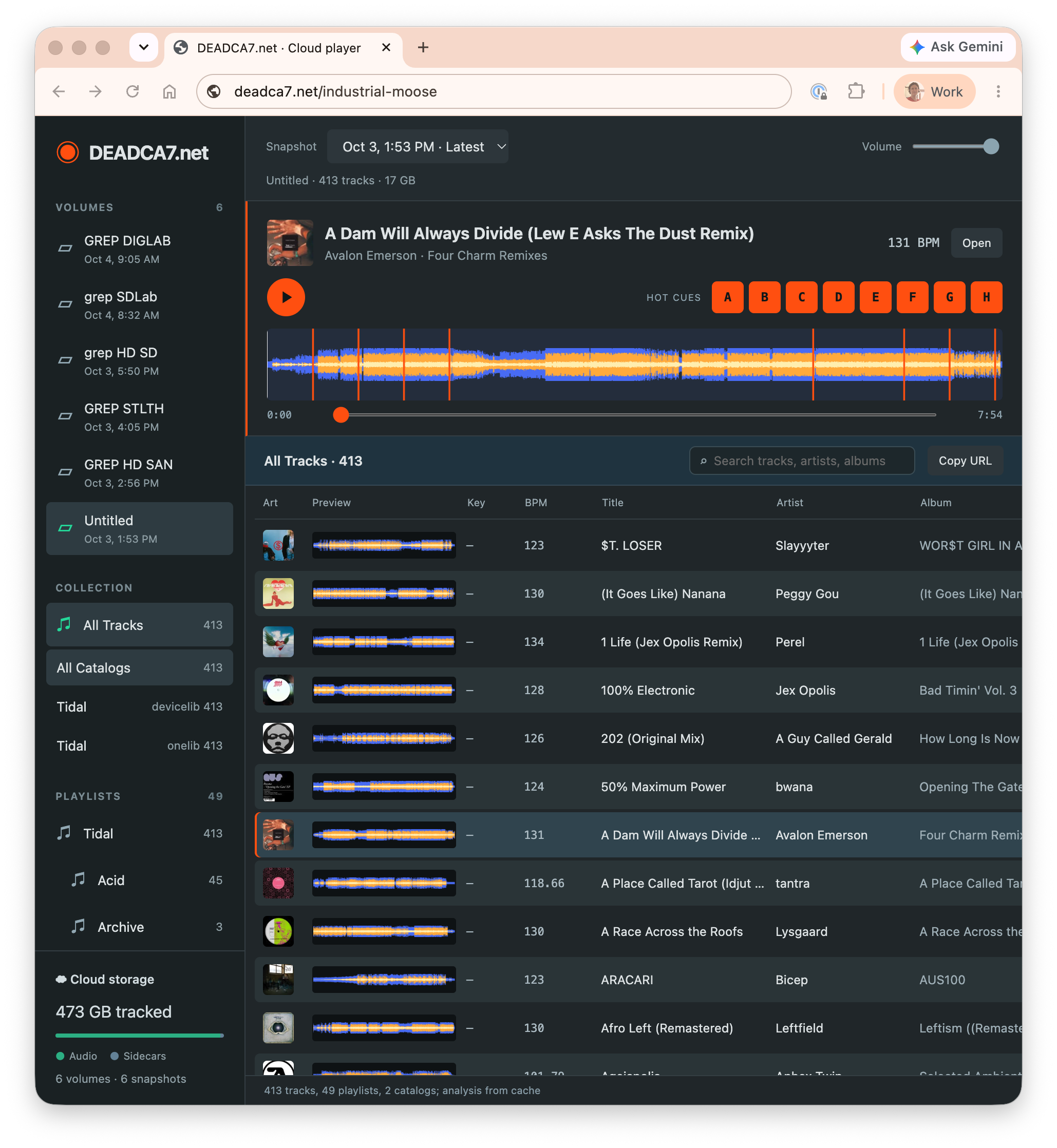
I now have a backup in cloud storage that lets me browse the backed-up libraries, playlists and tracks, and a tool to restore a snapshot to a fresh USB drive. This is a library backup, not a disk image: it preserves supported catalog data and audio, rather than every file on the drive.
This gives me peace of mind. At any time I can now:
- Recreate an old drive
- Browse and play old music without plugging the drives in
- Restore an old library and its audio to bring into our current collection
All without opening Rekordbox.app.
How it works
To make your first backup, get the DEADCA7 CLI, connect to deadca7.com, and plug in a USB. The first upload depends on the library size and your connection speed. Later snapshots reuse unchanged audio.
# install CLI tools
curl -fsSL https://deadca7.com/install-cli.sh | sh
export PATH="$HOME/.local/bin:$PATH"

# auth your laptop to cloud storage
dc auth login
dc auth cloud

# preview, then back up a USB
dc backup "/Volumes/DJ"
dc backup "/Volumes/DJ" --apply

# browse backups and play music
dc backup open

# list snapshots and choose an ID
dc backup list

# preview, then restore that snapshot to an empty USB
dc backup restore "/Volumes/RECOVERED" --volume --snapshot SNAPSHOT_ID --verify
dc backup restore "/Volumes/RECOVERED" --volume --snapshot SNAPSHOT_ID --verify --apply
Replace SNAPSHOT_ID with an ID from dc backup list, and replace the volume paths with your own. The authorization command prints a URL and device code to approve in your browser. An applied backup can also start authentication and cloud setup automatically when needed.
These installation commands work on macOS and Linux; the volume paths shown are for macOS. See Install dc for Windows PowerShell setup and Backup & Restore for recovery to a local catalog instead of a USB.
Future
Once we have backups with intelligence about our DJ catalogs and devices, we unlock a lot of things. Some possibilities…
With dc installed and authenticated on another computer, you can restore a snapshot to an empty USB. That gives us a starting point for recovery at a friend’s place or in an emergency at a club.
You can slice and dice your music catalogs. I now have a 1 TB SD card that has all my historical USBs combined. Now this is all I have to throw into my gig bag in case I want to find an old playlist. And if something were to happen to this, I can make a new one no problem.
Cloud playback and sharing. You can already interactively browse and play all your music from the cloud storage. Stay tuned for tools to share music with your friends and to play music on your phone and CDJ directly from the cloud.
But all this hinges on first having a cloud backup of your music you can rely on. Grab the tools and create your first backup today. It’s fast and easy and free while we are in alpha, and will use extremely fair pricing for cloud storage in the future (target is $5 / mo / TB).